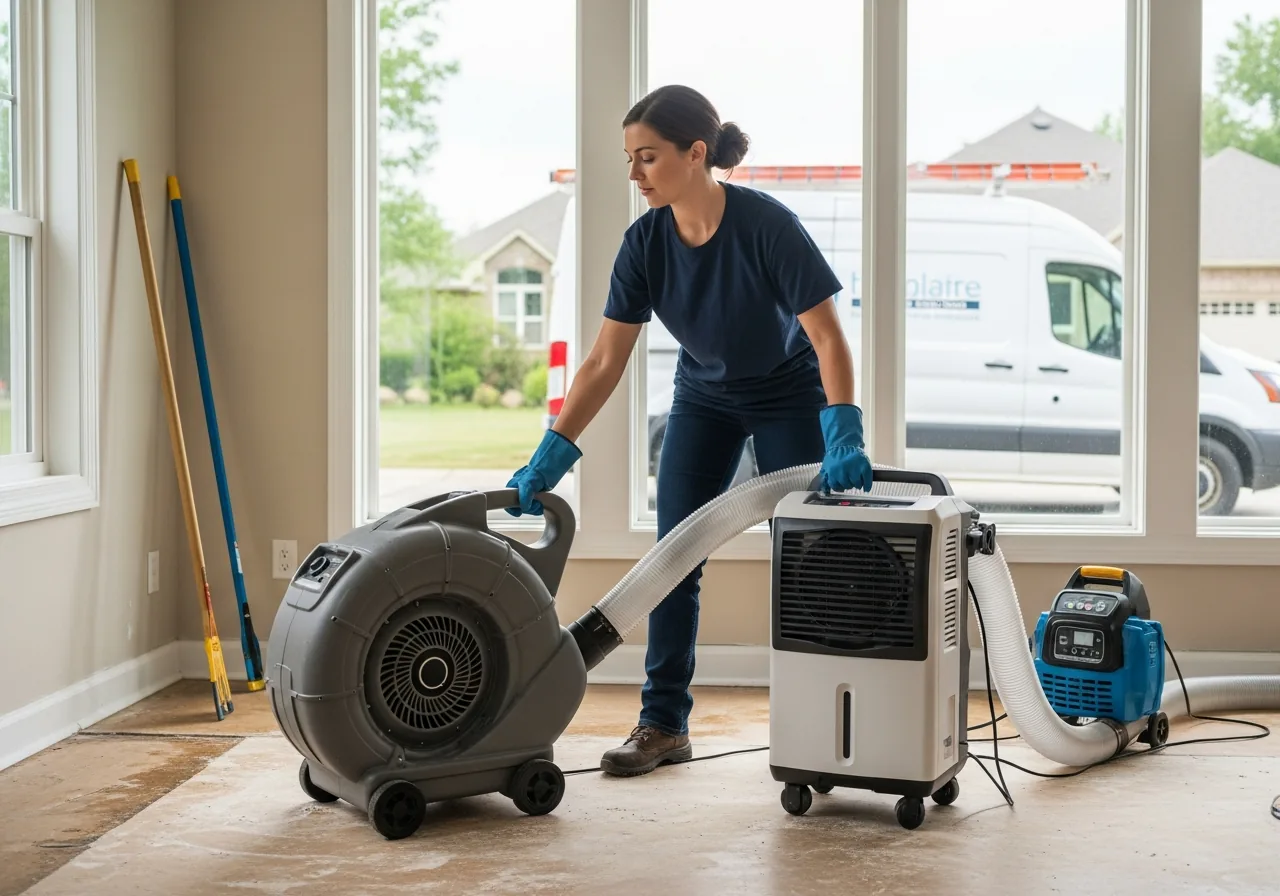
Answer the 2am pipe burst in 30 seconds. Dispatch the water-extraction crew and the air movers and the dehumidifiers to one address. Document the loss in 80 timestamped photos, logged and organized instead of scattered across a phone camera roll, so the adjuster has less reason to push back.
$1 for 14 days, then $19/mo. Card required. Cancel any time.
The $1 trial is Starter. Dispatch, two-way texting and job costing are on Crew ($39/mo).
From $19/mo, users included. Verified competitor prices·CSV import from Housecall Pro, Jobber and ServiceTitan·No per-seat fees, ever
Features restoration shops use
Built for restoration companies
The 5 things that decide whether the carrier pays fast or fights you for months. You need emergency dispatch, photo and moisture-reading documentation per room, a drying log per air-mover with daily readings, a photo report your estimator can build the Xactimate estimate from, and milestone billing on the multi-week job. All in one app. Built for the tech who's extracted 4 inches of water from a Houston basement at 3:47am while the homeowner cried in the kitchen.
24/7 Emergency DispatchCrew
The 2am pipe-burst call comes in. Your closest mitigation crew with the extraction truck gets it in one tap. Customer gets an automatic text. Marcus's crew is on the way. ETA 32 minutes. Bringing extraction truck plus 6 air movers plus 2 dehumidifiers. Customer stops crying. Crew opens the app and sees the address, loss type which is Cat 2 water from supply line, and the carrier on file.
Photo and Moisture-Reading DocumentationCrew
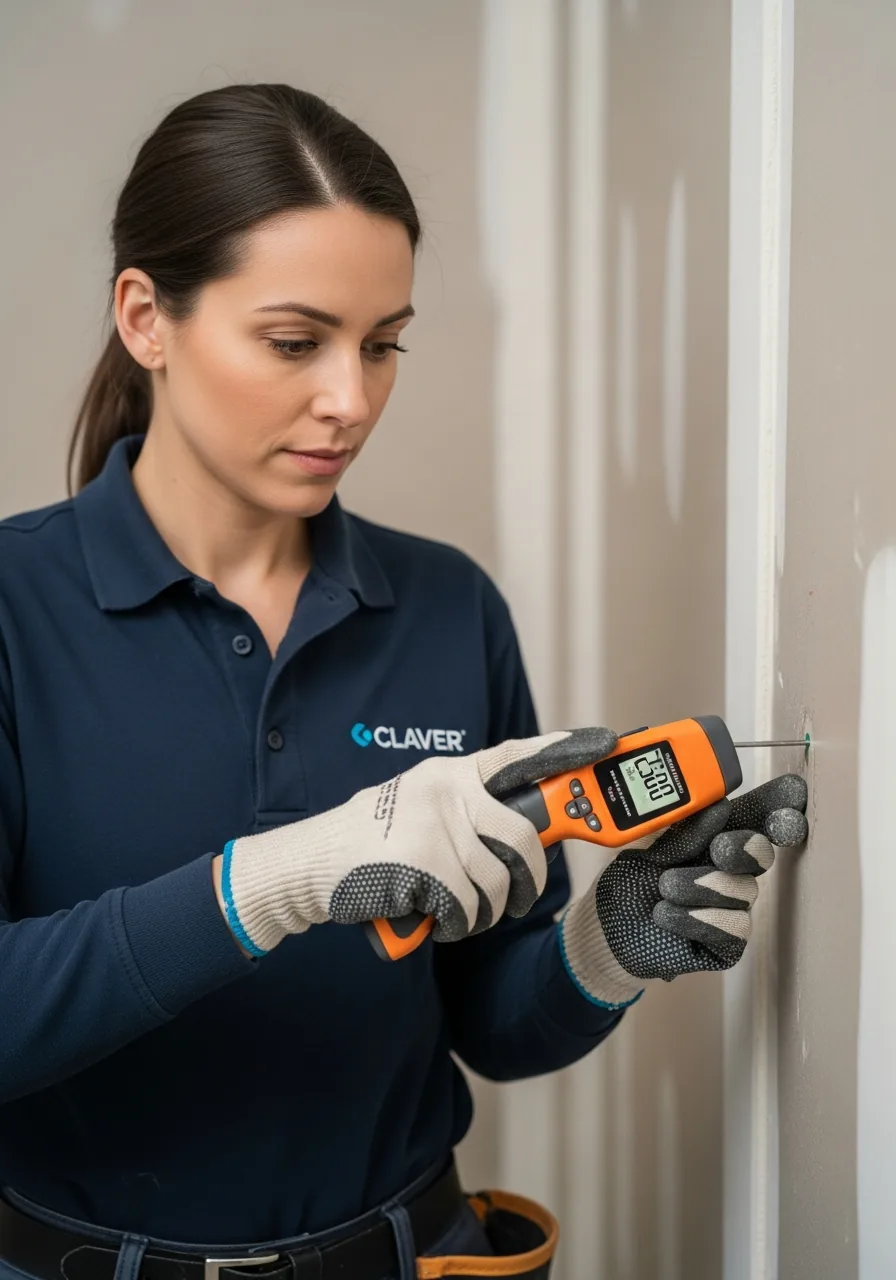
Every affected room gets pre-mitigation photos and moisture readings for subfloor, drywall, and baseboards, logged as custom fields on the job. Every drying day adds new readings. Export the whole thing as a photo report PDF for the adjuster, backed by real numbers instead of your memory of the job.
Drying Log Per Air MoverCrew
Log every air mover and dehu as a custom field on the job, with placement, daily moisture reading, RH and temp. For example, if the carrier asks why drying took 7 days instead of 4, you pull up the log and show subfloor moisture dropping from 28% on day 3 to 14% by day 7, day by day, instead of trying to remember it.
Adjuster-ready photo reportsCrew
Room-by-room photos, notes, and line items live on the job and export as a PDF report. Data exports as CSV. Your estimator builds the Xactimate estimate from what's already documented instead of re-keying it from memory at midnight.
Milestone billing on multi-week jobsCrew
Mitigation invoice when drying complete. Reconstruction deposit at signing. Progress payments at framing, drywall, paint, and final. You send each milestone invoice from the job, and the customer pays it by card or ACH from the link. You stop floating $24,000 of equipment and labor for 90 days.
Starter is $19/mo. Texting, AI and dispatch start on Crew at $39. The phone line and AI receptionist are on Business at $79.
Why restoration shops switch
Why restoration companies choose Claver
The most documentation-heavy trade
Restoration is the most documentation-heavy trade in the field service business. The carrier doesn't pay because you did good work. They pay because the file proves you did good work. Every photo you didn't take, every moisture reading you forgot to log, every air-mover placement you didn't document is a supplement that gets denied at month two.
The shops that win run two things differently. They document like the carrier is going to fight every line item because they will. They bill in milestones so they're not floating $24,000 of equipment and labor while waiting on a check that won't come for 90 days.
The documentation is the product. The water work is just what gets you in the door.
When the 2am pipe-burst call hits, your dispatch board shows every crew's GPS location and what's currently in their truck. Marcus has the extraction truck loaded out plus 6 air movers plus 2 dehumidifiers and is closest to the loss. Drag the job to Marcus. Customer gets an automatic text confirming the crew is on the way with an ETA. The customer stops crying. Marcus opens the app and sees the address, loss type which is Cat 2 water from supply line, affected square footage, the carrier on file which is State Farm, and any prior loss history at the address, logged as custom fields on the customer record.
The on-site documentation workflow
On-site, the documentation workflow is what separates a fast claim from a drawn-out supplement battle. Marcus structures the job around 60-100 timestamped photos, using job checklists and custom fields on the job. You get pre-mitigation conditions per affected room, moisture readings on the subfloor and drywall and baseboards which is 28% MC on the kitchen subfloor well above the 16% standard, the source of loss which is a failed Sharkbite fitting under the sink, the equipment placement which is 6 air movers plus 2 dehus mapped to the kitchen, dining room, and living room, and the daily drying readings. Every photo and every reading saves to the customer record. The PDF the adjuster opens at the end of mitigation is organized by room and by day, not scattered across a camera roll.
Drying logs are the part most shops underestimate. Carriers attack them first when they want to deny the supplement. For example, log day 1: kitchen subfloor 28% MC, dining 22%, living 18%. Day 3: kitchen 24%, dining 17%, living 14%. Day 5: kitchen 19%, dining 14%. Day 7: kitchen 14%. When the carrier asks why drying took 7 days instead of 4, you pull up the log and show the kitchen subfloor was 12 points above standard on day 1 and dropped on the expected curve for the equipment you placed, instead of trying to reconstruct it from memory.
The adjuster-ready photo report
Claver doesn't export to Xactimate directly. What it does is keep every line item, room-by-room photo, and note on the job, then export the whole thing as a photo report PDF or a CSV. Photo packages bundle by affected room. Room dimensions and other measurements live as custom fields on the job record. Your estimator opens the report and builds the Xactimate estimate from documentation that's already organized, instead of re-keying it from memory at midnight. Complete photo and moisture documentation gives the adjuster less reason to push back.
Milestone billing on the reconstruction side is what keeps you solvent through a long claim cycle. Mitigation invoice goes out the day drying completes. Reconstruction deposit at signing which is the homeowner deductible. Progress payments at framing, drywall, paint, and final, each sent as its own invoice from the job and paid by card or ACH from the link. You stop floating equipment and crew labor and materials while waiting on a slow-paying carrier. You stop turning down the next 2am call because cash flow is tight.
Cancel anytime. 20-minute migration from your current tool.
Pricing
Pricing that works for restoration shops
$19/mo to start. $39/mo for growing teams. $79/mo for the full toolkit. AI summaries, app phone line, 24/7 dispatch, photo and moisture documentation, milestone billing, photo report PDF exports. Same plans as every Claver page. No restoration upsell.
Simple pricing, users included
Every plan includes unlimited jobs, quotes, invoices, and Stripe payments. Texting, AI, dispatch and job costing start on Crew. The phone system and full back office are on Business.
Starter: $1 for 14 days, then $19/mo. · Cancel anytime · Your data exports as CSV
Common questions
Common restoration software questions
No marketing dance. The questions restoration owners ask before they sign up.
Does Claver handle insurance claim documentation for water/fire/mold?+
Yes, as documentation. Every job structures around 60-100 timestamped photos plus daily moisture readings on subfloor, drywall, baseboards, logged as custom fields on the job. Export the photos and drying log together as a photo report PDF whenever you need to send a supplement with photo backup. Complete photo and moisture documentation gives the adjuster less reason to push back.
Does it export to Xactimate?+
Not directly. Claver keeps line items, room-by-room photos, and notes on the job. Photo reports export as a PDF. Data exports as CSV. Your estimator uses that documentation to build the Xactimate estimate instead of re-keying everything from memory at midnight.
Can I import my customer list from another restoration tool?+
If your current tool exports a customer list as CSV, yes. Upload the file to Claver and the wizard maps the columns. Most restoration shops finish the migration in 30-45 minutes. We'll personally help if anything looks off, email [email protected].
Does Claver support milestone billing on reconstruction?+
Yes. Mitigation invoice goes out the day drying completes. Reconstruction deposit at signing (homeowner deductible). Progress payments at framing, drywall, paint, final. You send each milestone as its own invoice from the job, and the customer pays it by card or ACH from the link. Nothing charges automatically. You stop floating equipment and crew and materials for months waiting on a check.
What does Claver cost for a restoration shop?+
$19/mo for Starter (2 users). $39/mo for Crew (8 users) when you want texting, AI, and the dispatch board. $79/mo for Business with the full toolkit, 24/7 dispatch, milestone billing, photo and moisture documentation, drying logs per air mover, photo report PDF exports. No contract. Cancel anytime.